
VoIP vs Traditional Phone Systems: SA Business Guide
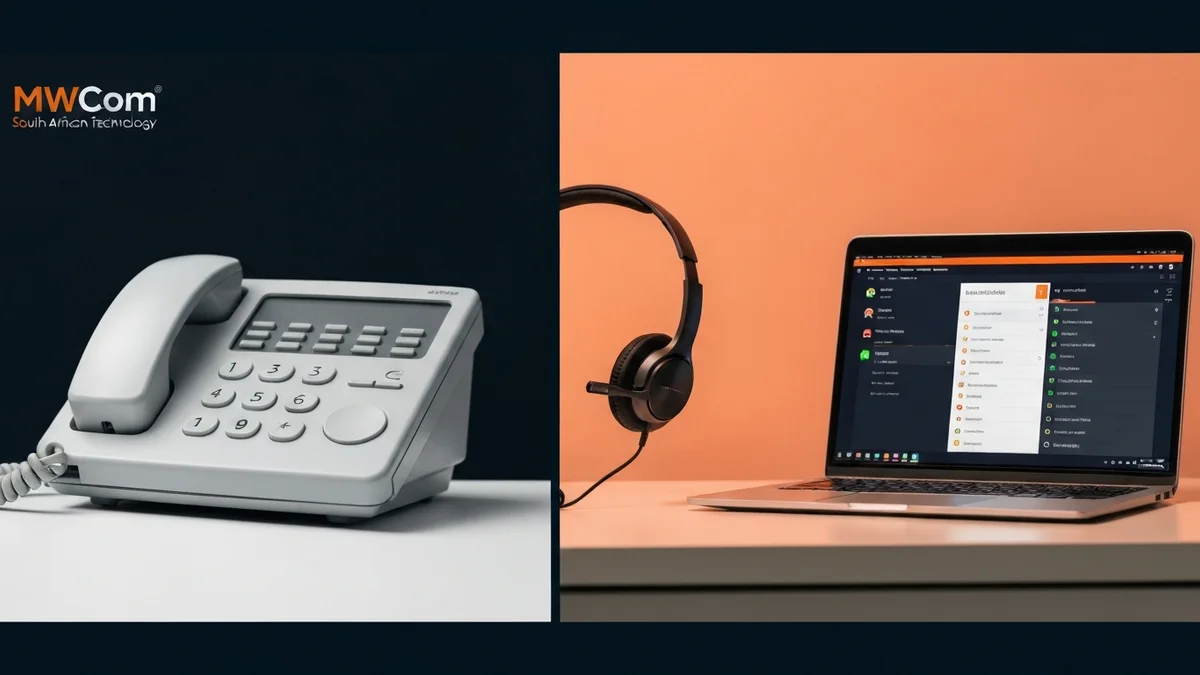
South African businesses face a critical decision: stick with traditional landline phone systems or migrate to VoIP (Voice over Internet Protocol). With rising telecom costs, increasing remote work, and unreliable power in many areas, this choice has never been more important. This comprehensive guide compares VoIP vs traditional phone systems specifically for the South African business environment, helping you make an informed decision for your SME.
Understanding the Technologies
Traditional Landline Phone Systems (PSTN/PBX)
Traditional phone systems use the Public Switched Telephone Network (PSTN)—analog copper lines connecting to a physical PBX (Private Branch Exchange) box in your office. This technology has served businesses for decades but is increasingly outdated.
How it works:
- Dedicated copper phone lines run from Telkom exchange to your premises
- On-premises PBX hardware routes calls between extensions and external lines
- Analog desk phones connect via phone cables to the PBX
- Features depend on PBX hardware capabilities (limited and expensive to upgrade)
- Requires power to PBX—entire system fails during power outages without UPS
VoIP Phone Systems (Cloud-Hosted)
VoIP converts voice into digital data packets transmitted over your internet connection to a cloud-hosted phone system. It's essentially treating phone calls like any other internet traffic.
How it works:
- Voice converted to digital packets and sent over business internet
- Cloud-hosted PBX manages call routing, features, and voicemail
- IP desk phones, softphones (computer apps), or mobile apps make/receive calls
- Features updated automatically via cloud platform (no hardware upgrades)
- Works anywhere with internet—office, home, mobile networks
Key Difference:
Traditional phones use dedicated phone lines and on-site hardware. VoIP uses your existing internet connection and cloud software. This fundamental difference drives all the cost, feature, and flexibility advantages of VoIP.
Cost Comparison: VoIP vs Landline
Cost is the primary driver for businesses switching to VoIP. Here's a complete breakdown:
Monthly Per-User/Line Costs
| Cost Component | VoIP | Traditional Landline |
|---|---|---|
| Line Rental / User License | R299 - R499 | R450 - R650 |
| Local Calls | Included (unlimited) | R0.60 - R1.20/min |
| National Calls | Included (unlimited) | R0.90 - R2.50/min |
| Mobile Calls | R0.50 - R1.20/min | R2.50 - R4.50/min |
| Features (IVR, Recording, etc.) | Included | R500 - R2,000 extra |
| Average Total Per User/Line | R299 - R499 | R800 - R1,500+ |
10-User Office: Annual Cost Comparison
VoIP System
Annual Cost
R50,280
Traditional Landline
Annual Cost
R92,400
Annual Savings with VoIP
R42,120
That's 46% cost reduction for a 10-person office
Setup & Equipment Costs
| Item | VoIP | Traditional Landline |
|---|---|---|
| Installation Fee | R0 - R1,000 | R2,500 - R5,000 |
| PBX Hardware | R0 (cloud-hosted) | R15,000 - R80,000 |
| Desk Phone (per unit) | R800 - R2,500 | R500 - R1,500 |
| Cabling & Infrastructure | R0 (uses network) | R5,000 - R15,000 |
| Maintenance Contract | Included in monthly | R500 - R2,000/month |
Feature Comparison: What You Get
Beyond cost savings, VoIP provides dramatically more features included in the base price:
| Feature | VoIP | Traditional |
|---|---|---|
| Unlimited Local/National Calls | ||
| Call Recording | +R1,500/month | |
| Auto Attendant / IVR | +R800/month | |
| Voicemail to Email | ||
| Mobile App (Softphone) | ||
| Call Analytics & Reporting | Limited | |
| Call Queuing | +R500/month | |
| Ring Groups / Hunt Groups | ||
| Conference Calling | +R300/month | |
| CRM Integration | ||
| Hot Desking | ||
| Click-to-Call from Browser | ||
| Video Calling | ||
| SMS / WhatsApp Integration |
Feature Value:
If you purchased call recording, IVR, analytics, and conference calling separately on a traditional system, you'd pay R2,000-R4,000/month extra. With VoIP, these professional features are included at no additional cost.
Outage Resilience Considerations for South Africa
This is a critical question for South African businesses in 2026: Which phone system keeps working during power outages and fibre cuts?
Traditional Landline During Power Outages
- On-premises PBX loses power: Your entire phone system goes offline unless you have a large UPS or generator
- Desk phones don't work: Even if the PBX has backup power, individual phones need power
- No mobile alternative: Calls can't be redirected to mobile phones automatically
- Expensive backup solution: Keeping PBX + all phones powered requires 3000VA+ UPS (R15,000+) or generator
VoIP During Power Outages (With LTE Backup)
- Cloud PBX stays online: Your phone system runs in the cloud, unaffected by local power outages
- LTE failover keeps connectivity: Calls route through cellular data when fibre internet fails (R899/month)
- Mobile apps work perfectly: Staff answer business calls on smartphones using cellular data
- Automatic call forwarding: Configure calls to route to mobile numbers during extended outages
- Work from anywhere: Team members at home with WiFi/data continue taking business calls seamlessly
Outage Readiness Comparison
Traditional Landline Backup Cost:
R15,000+
Large UPS + generator required
VoIP + LTE Backup Cost:
R899/month
Full functionality during outages
Verdict: VoIP with LTE failover backup is vastly superior for outage resilience, costing less than traditional systems while providing mobile flexibility.
Pros & Cons: Complete Analysis
VoIP Phone System
Advantages
- ✓40-60% lower monthly costs
- ✓Unlimited local/national calls
- ✓Professional features included
- ✓Works during power outages (with LTE)
- ✓Mobile apps for remote work
- ✓Scales easily (add users instantly)
- ✓No on-site hardware maintenance
- ✓CRM and software integrations
Disadvantages
- ✗Requires reliable internet (100kbps/call)
- ✗Depends on power/internet backup
- ✗Learning curve for staff (minimal)
- ✗Call quality depends on internet stability
Traditional Landline
Advantages
- ✓Doesn't depend on internet
- ✓Familiar technology for staff
- ✓Consistent call quality
- ✓Works during internet outages (if powered)
Disadvantages
- ✗2x higher monthly costs
- ✗Expensive per-minute call charges
- ✗Features cost R2,000-R4,000 extra
- ✗Fails during power outages without UPS
- ✗No remote work capabilities
- ✗Expensive PBX hardware (R15,000-R80,000)
- ✗Difficult and costly to scale
- ✗Requires maintenance contracts
Migration Guide: Switching to VoIP
Concerned about disruption? VoIP migration is straightforward and can be completed with zero downtime:
1Assessment & Planning (Week 1)
- • Inventory current phone numbers, extensions, and users
- • Verify internet bandwidth (100 Mbps+ recommended for 10+ users)
- • Decide on desk phones vs. softphones vs. hybrid approach
- • Select VoIP package and features needed
2Cloud Setup & Testing (Week 1-2)
- • VoIP provider configures cloud PBX with your requirements
- • Temporary numbers issued for immediate testing
- • Set up IVR, call routing, voicemail, and features
- • Test call quality and configure network QoS if needed
3Number Porting Process (Week 2-3)
- • Submit porting request to transfer existing numbers to VoIP
- • Continue using old system while porting processes (5-10 business days)
- • Zero downtime—old system works until numbers fully transferred
- • Numbers activate on VoIP system automatically when porting completes
4Equipment Deployment (Week 2-3)
- • VoIP desk phones delivered and pre-configured
- • Staff install softphone apps on computers and mobiles
- • Network setup to prioritize voice traffic (QoS configuration)
- • LTE failover backup installed for outage protection
5Training & Go-Live (Week 3-4)
- • Staff training on VoIP desk phones and mobile apps (1-2 hours)
- • Demonstrate call handling, voicemail, forwarding, conferencing
- • Go live with full VoIP system when numbers port successfully
- • Decommission old landline system and cancel services
6Optimization & Support (Ongoing)
- • Monitor call quality and analytics for first month
- • Adjust call routing rules based on usage patterns
- • Train staff on advanced features (call recording, analytics dashboards)
- • Ongoing support from MWCOM (24/7 available)
Timeline Summary:
Complete VoIP migration typically takes 3-4 weeks from decision to full operation, with zero downtime during the transition. Your old system continues working until the exact moment VoIP numbers activate.
Frequently Asked Questions
Is VoIP better than landline for business?
Yes, VoIP is superior for most South African businesses due to 40-60% lower costs, advanced features (call recording, IVR, analytics) included at no extra charge, mobile accessibility for remote work, and easier scalability. VoIP also works through power outages with LTE backup internet, while traditional landlines fail without power to the PBX. View our complete VoIP solutions.
How much cheaper is VoIP than a landline?
VoIP costs R299-R499 per user monthly (including unlimited calls) vs. landline costs of R450-R800 per line (plus per-minute charges), saving 40-60%. For a 10-person office, VoIP costs R2,990-R4,990/month vs. landlines at R4,500-R8,000/month—savings of R18,000-R36,000 annually.
What are the disadvantages of VoIP?
VoIP requires reliable internet (minimum 100 kbps per simultaneous call), depends on power/internet availability during outages (solved with R899/month LTE backup), may have call quality issues with poor connections, and needs brief staff training on new features. However, these minor drawbacks are far outweighed by cost savings and capabilities.
Does VoIP work during power outages?
Yes, with LTE failover internet (R899-R1,499/month) and UPS backup power. When your fibre internet fails during a power outage, calls automatically route through cellular data. Staff can also use VoIP mobile apps on smartphones, ensuring business calls continue even during extended outages—far superior to traditional landlines.
Can I keep my existing phone numbers with VoIP?
Yes, VoIP providers can port your existing landline numbers to the cloud system through a process called number porting. The transition takes 5-10 business days with zero downtime—your old system continues working until the exact moment numbers activate on VoIP. You keep the same phone numbers your customers know while gaining all VoIP benefits.
What internet speed do I need for VoIP?
Each VoIP call requires 100 kbps (0.1 Mbps) bandwidth. Calculate: (Maximum Simultaneous Calls × 0.1 Mbps) + 20% overhead. For a 10-person office with 5 simultaneous calls, you need minimum 10 Mbps internet. A standard 50-100 Mbps business fibre connection easily handles 20-30 concurrent VoIP calls plus regular internet use. Learn about business internet requirements.
Are VoIP calls good quality?
VoIP call quality on business-grade fibre internet is equal to or better than traditional landlines, offering HD voice clarity. Quality depends on internet stability and bandwidth—business connections with QoS (Quality of Service) configuration ensure crystal-clear calls. Poor quality usually indicates insufficient bandwidth or network congestion, easily resolved with proper setup.
How long does VoIP implementation take?
VoIP systems can be fully operational in 3-4 weeks including number porting. Cloud setup takes 1-2 days, phone delivery and configuration 3-5 days, staff training 1-2 hours, and number porting 5-10 business days. You can start making calls on temporary numbers immediately while porting completes, ensuring zero business disruption.
Can I use my existing desk phones with VoIP?
Only if they're SIP-compatible IP phones. Traditional analog PSTN phones won't work with VoIP systems. Most businesses purchase new VoIP desk phones (R800-R2,500 each depending on features) or use softphones—computer and mobile apps that are free and included with all VoIP packages, requiring zero additional hardware.
What happens to my VoIP if internet goes down?
With automatic call forwarding configured, incoming calls instantly route to mobile phones or alternative numbers when internet fails. LTE failover backup (R899/month) keeps VoIP operational during power and network outages. Cloud-hosted systems ensure voicemails are accessible via email even when your office is offline. Learn about outage protection strategies.
The Verdict: VoIP Wins for South African SMEs
For South African businesses in 2026, VoIP is the clear winner:
- 40-60% cost savings on monthly phone bills
- Superior outage resilience with LTE backup and mobile apps
- Professional features included that cost R2,000-R4,000 extra on landlines
- Remote work capabilities essential for flexible modern workforces
- Easy scalability for growing businesses
The only businesses that should consider keeping traditional landlines are those in remote areas without reliable internet access. For 95% of South African SMEs, VoIP with LTE backup provides better service at lower cost.
Switch to VoIP & Save R30,000+ Annually
MWCOM's cloud-hosted VoIP systems include everything you need: unlimited calls, professional features, mobile apps, and outage protection. Number porting included.
Keep your existing numbers • Zero downtime migration • Setup in 3-4 weeks